Dragon Video RemuxerInstallation Guide
Project: Device User Guide | page_id: 474
Step 1
Download the tar.bz installation file
[http://xstrive.tpddns.cn:5000/share.cgi?ssid=1a9db965eb0f4efca359ae3c7890b992&openfolder=forcedownload&ep=&_dc=1679110945982&fid=1a9db965eb0f4efca359ae3c7890b992](http://xstrive.tpddns.cn:5000/share.cgi?ssid=1a9db965eb0f4efca359ae3c7890b992&openfolder=forcedownload&ep=&_dc=1679110945982&fid=1a9db965eb0f4efca359ae3c7890b992)
Step 2
Copy it to the Linux system and execute the following commands. If you are not the root user, add sudo
sudo apt-get install bzip2
tar -jxf rootfs.tar.bz -C /tmp
sudo cp /tmp/rootfs/* /  -rf
sudo startapp&
- Important note
init_record.sh may format your /dev/sdb disk. If you do not want this to happen, run the following command to delete this script
sudo rm /usr/ext/init_record.sh
Step 3
Assuming your server IP is: 192.168.0.10
Use Google Chrome to visit: http://192.168.0.10
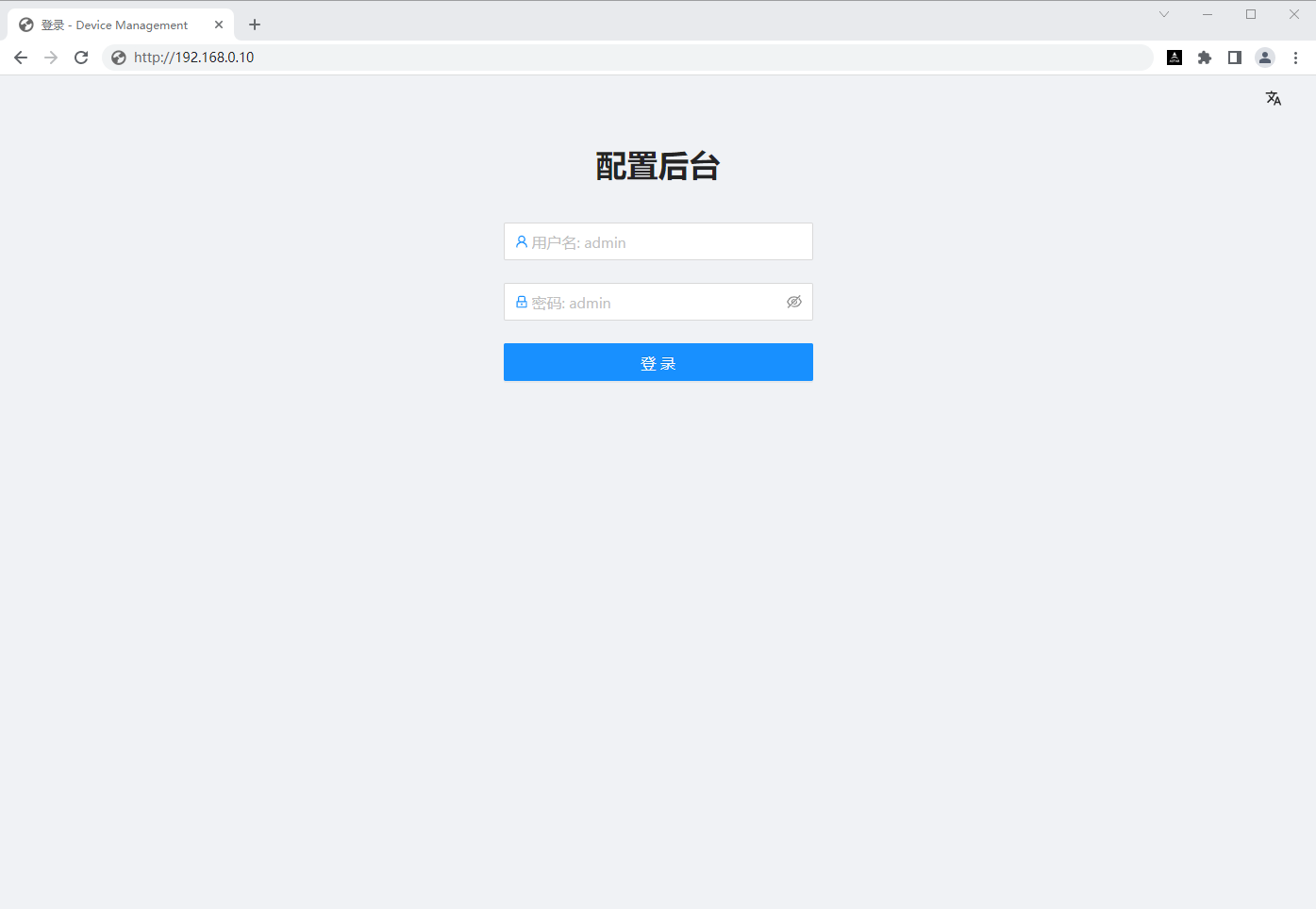
Default username: admin
Default password: admin
Click Login
Step 4
System activation

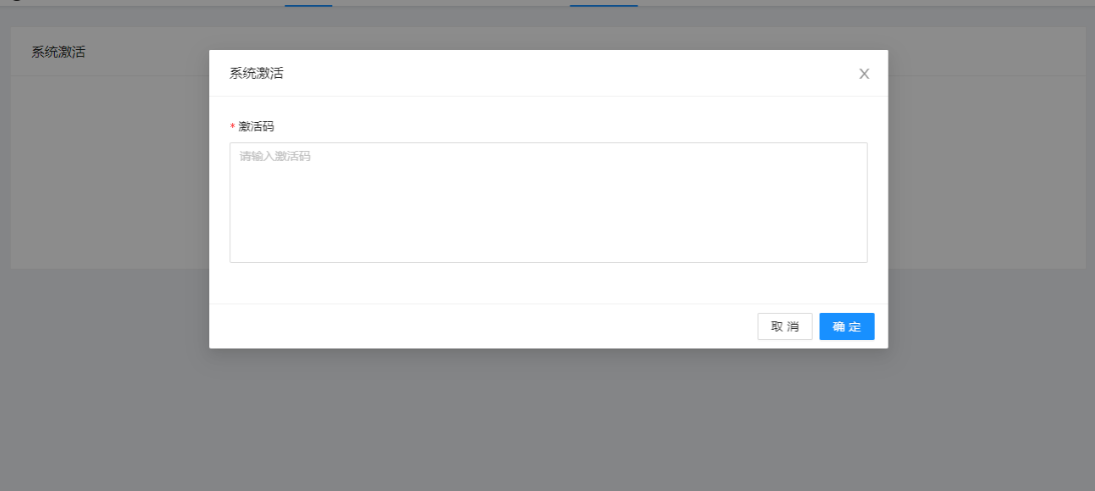
Under the [System Activation] menu, click
Send the following information to the email address: zyy6569@163.com
Machine code: paste the machine code you just copied here
Number of channels to activate: 8~200 (fill in as needed, 200 maximum supported)
Validity period: 365~36500 days (i.e.: 1 year - 100 years selectable)
After payment is completed, the activation code will be replied to you by email. Copy the activation code from the email, click [System Activation] under the [System Activation] menu, paste the activation code you just copied into the pop-up box, and click [OK] to activate the software.
Add Automatic Startup at Boot
1. Edit /lib/systemd/system/rc-local.service
sudo vi /lib/systemd/system/rc-local.service
Add the following content
    [Install]
    WantedBy=multi-user.target
    Alias=rc-local.service
2. Edit /etc/rc.local
sudo vi /etc/rc.local
Add the following content
#!/bin/bash -e
sh /usr/samples/autorun.sh
3. Add execution permission and run at boot
sudo chmod +x /etc/rc.local
sudo systemctl enable rc-local