Home / Docs Center / Device User Guides / Slow LiveVideo EncoderManual
Slow LiveVideo EncoderManual
Project: Device User Guide | page_id: 155
For basic functions, refer to the Video Encoder User Manual for configuration.
Multi-screen Combined Streaming
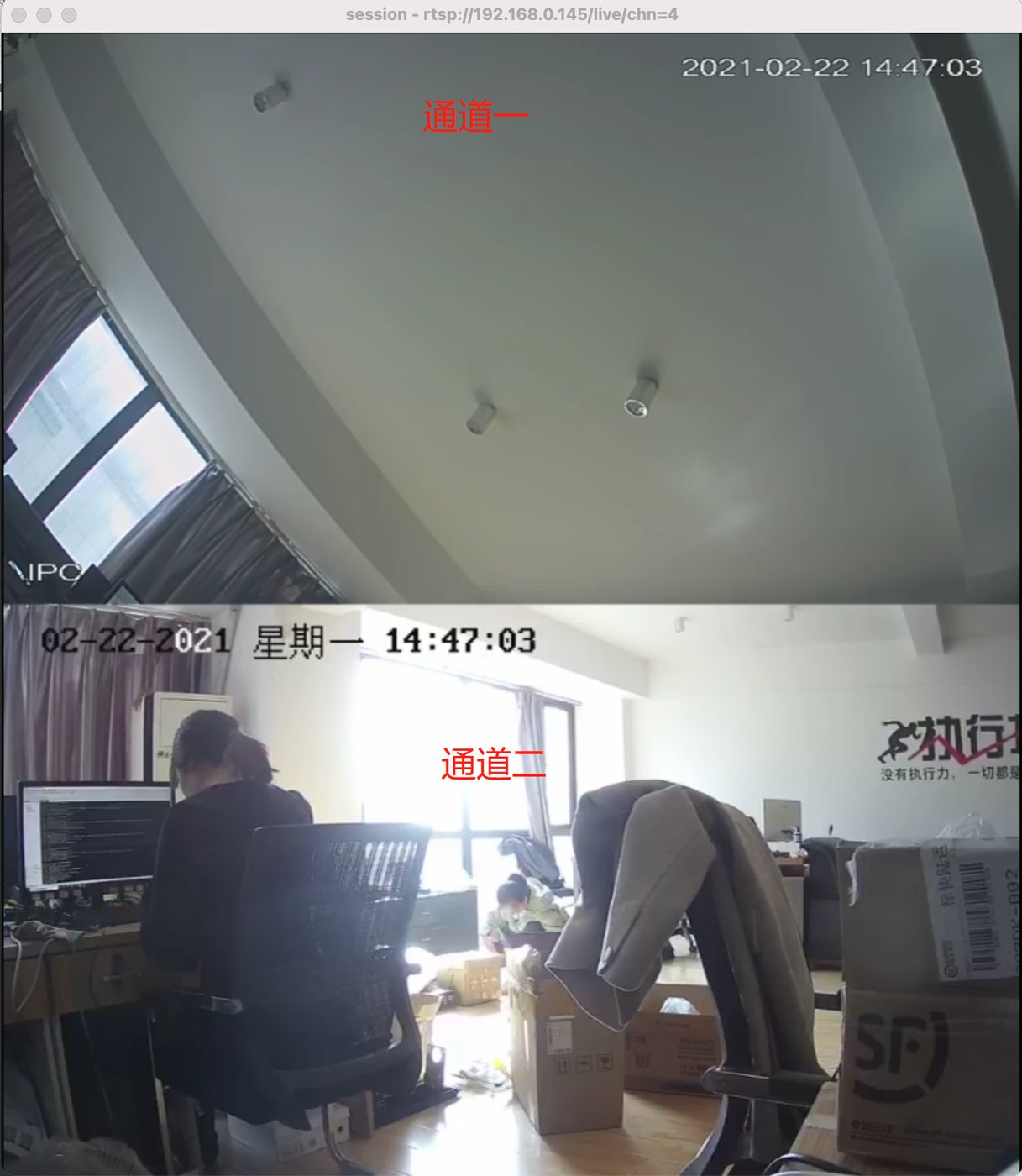
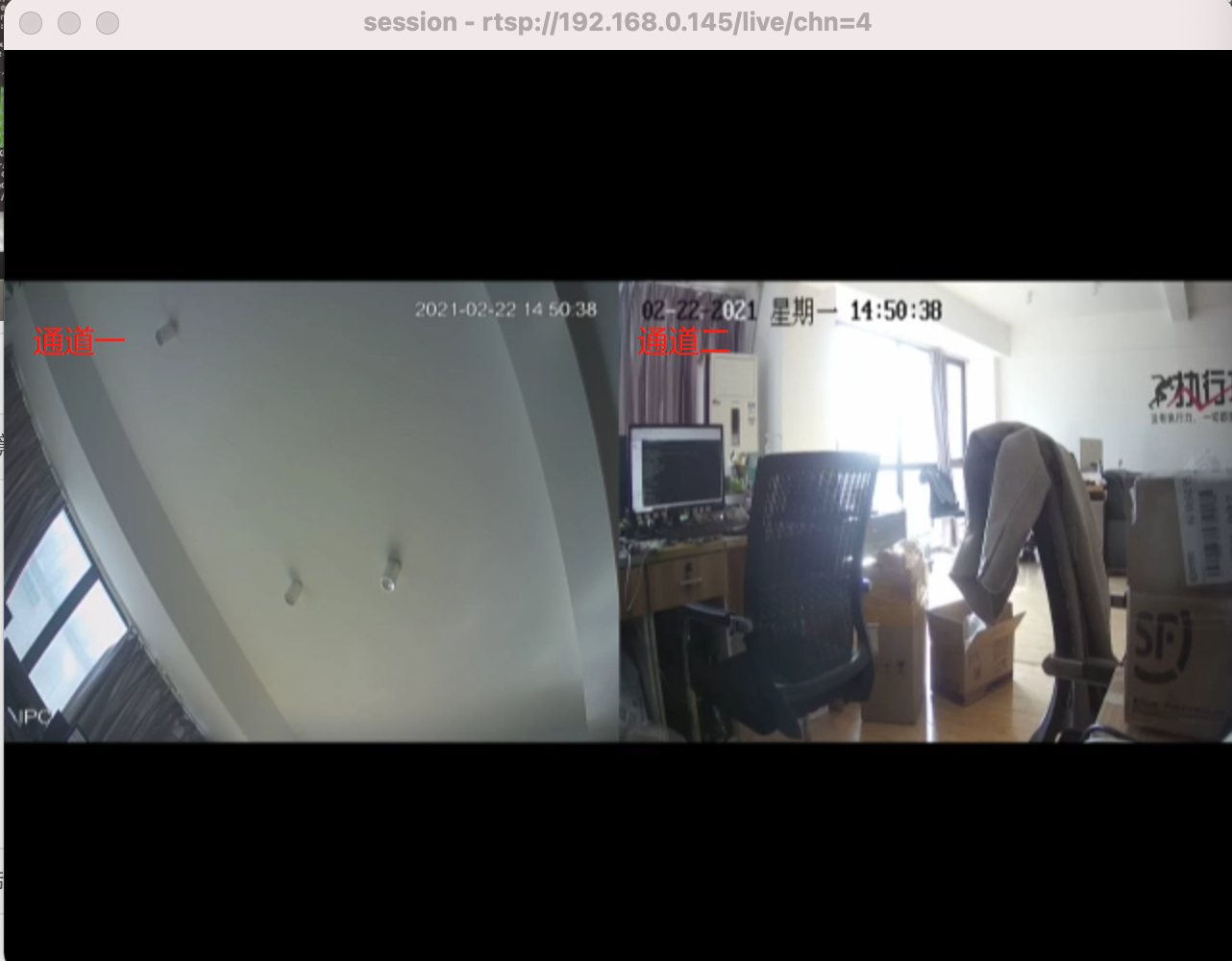
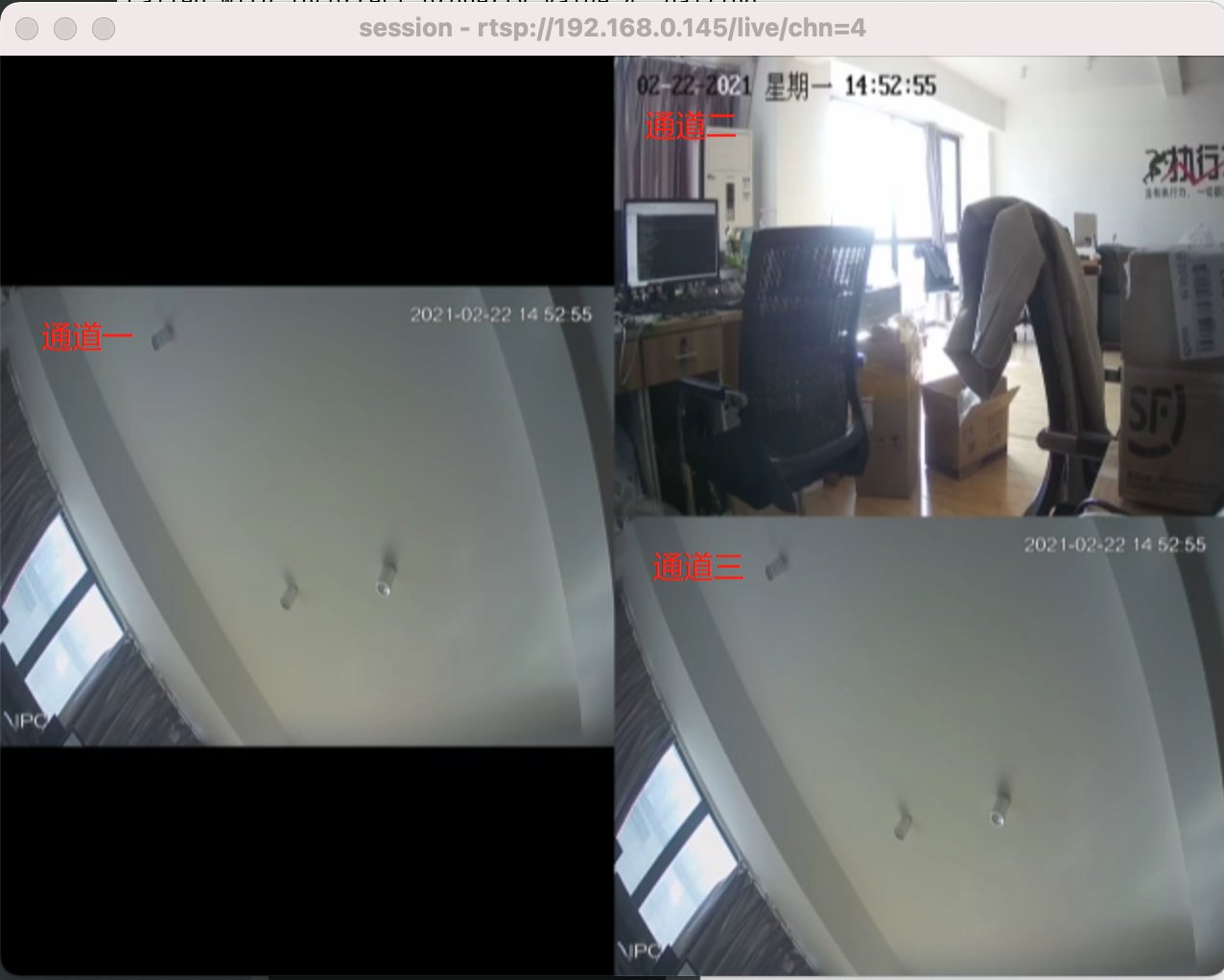
The first 4 channels of the video encoder support combined streaming. Single-screen / 2-screen / 3-screen / 4-screen combined streaming is supported. The 2-screen mode offers both top-bottom and left-right layouts.
2-screen vertical effect
2-screen horizontal effect
3-screen effect
4-screen effect
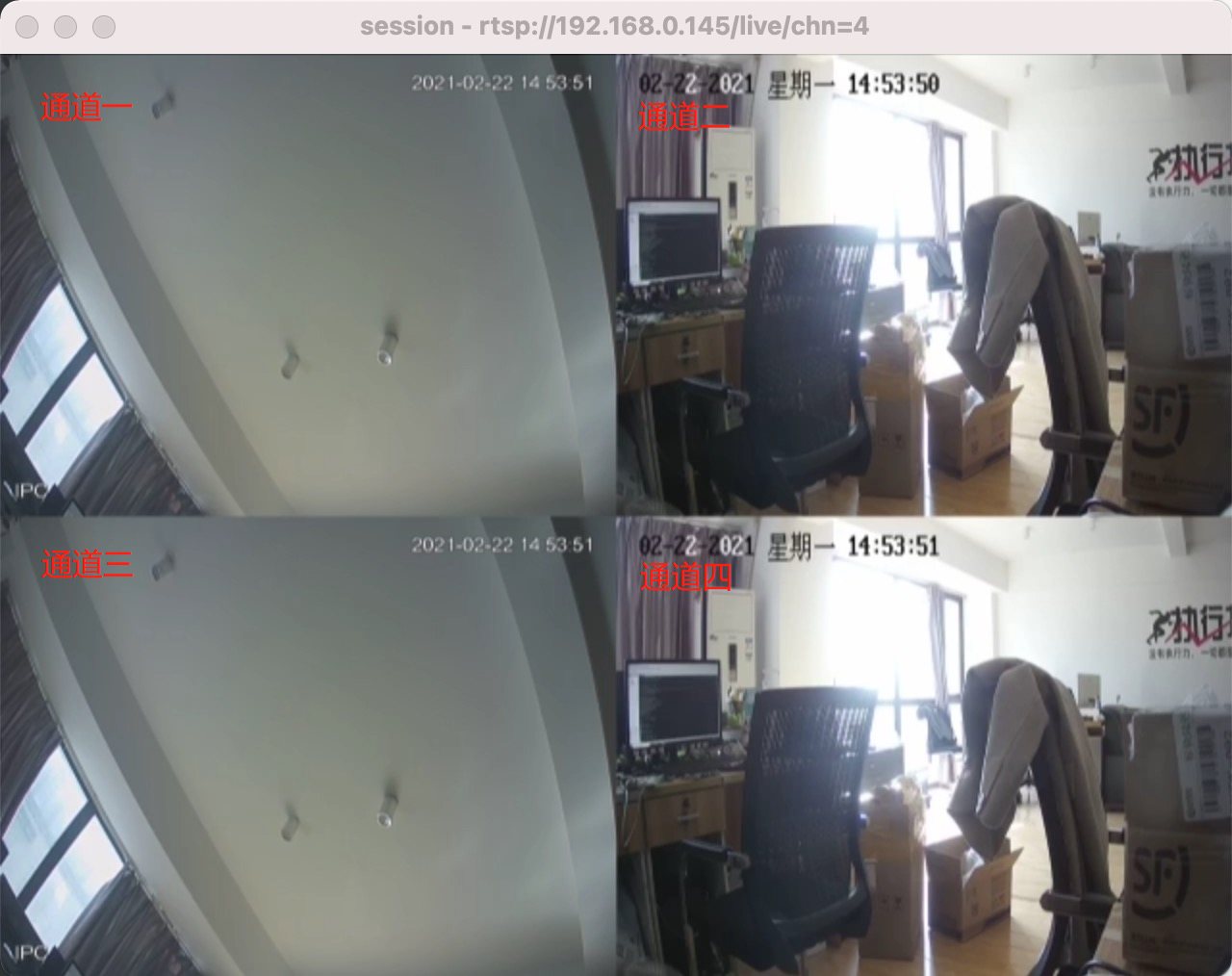
Channels 1~4 are configured as follows. (Set 2 channels for 2-screen combined, 3 channels for 3-screen combined, 4 channels for 4-screen combined.)
!
Combined Streaming Settings
In channel settings, select the combined channel.
!
Custom Audio
You can register an account at http://platform.xstrive.com/ and upload audio.
!
Then fill the copied audio address into the external audio source address field.
Didn't find what you need?Contact us,Talk to our engineers directly.