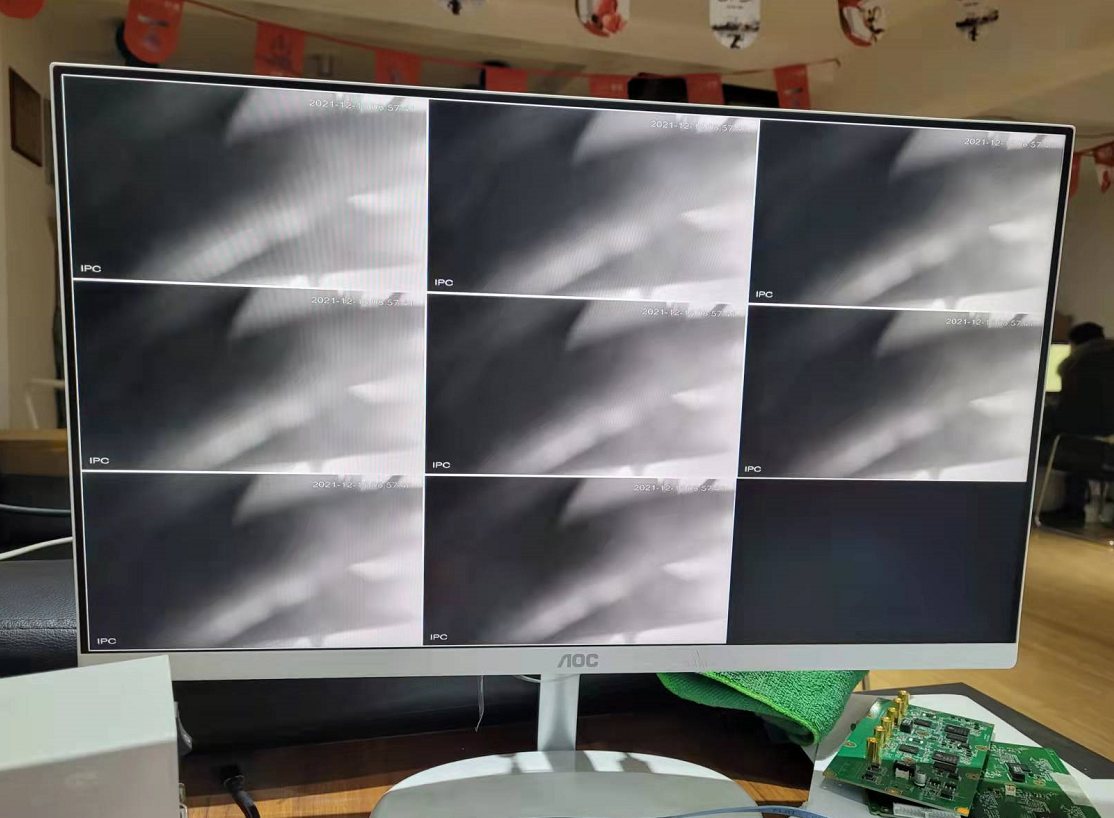
HiSilicon3531dDualhdmiBoard Guide
Project: Development Board Shipping Materials | page_id: 91
1. Download the virtual machine
Link: https://pan.baidu.com/s/1yWlwCT_aNN66-eSQMArRIg Password: et8k
2. How to flash
Refer to /home/xstrive/hisi/documentation/burn.txt in the virtual machine
3. About resolution
3.1 4K video capture
Run hdmi, hdmi_92 and sample_vio in the virtual machine directory (/home/xstrive/hisi/Hi3531D_SDK_V1.0.3.0/4k) in sequence.
For example: ./hdmi &
    ./hdmi_92 &
    ./sample_vio 0
3.2 1080p video capture
Run hdmi, hdmi_92 and sample_vio in the virtual machine directory (/home/xstrive/hisi/Hi3531D_SDK_V1.0.3.0/1080p) in sequence.
For example: ./hdmi &
    ./hdmi_92 &
    ./sample_vio 0
Corresponding source code modifications
1080P
/home/xstrive/hisi/Hi3531D_SDK_V1.0.3.0/mpp/sample/common/sample_comm_vi.c line 664, uncomment
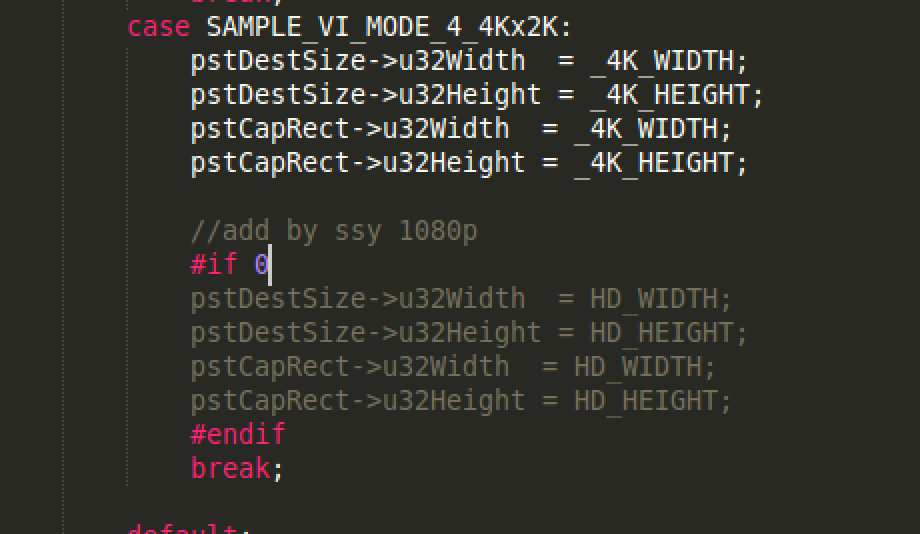
/home/xstrive/hisi/Hi3531D_SDK_V1.0.3.0/hdmi_enc/it6801/src/drv/it680x.c  line 849, define as 6 for 1080P
/home/xstrive/hisi/Hi3531D_SDK_V1.0.3.0/hdmi_enc_92/it6801/src/drv/it680x.c  line 849, define as 6 for 1080P
4k
/home/xstrive/hisi/Hi3531D_SDK_V1.0.3.0/mpp/sample/common/sample_comm_vi.c line 664, comment out
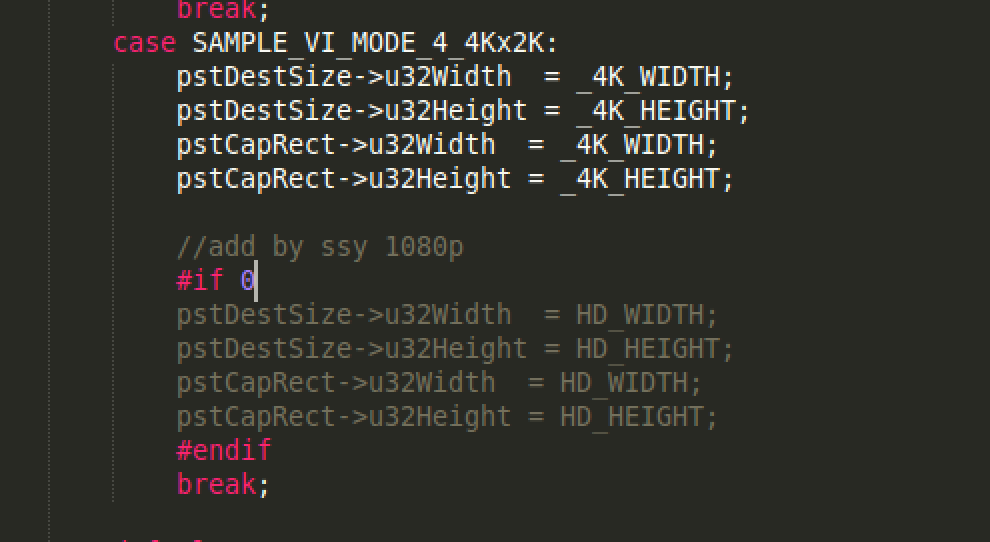
/home/xstrive/hisi/Hi3531D_SDK_V1.0.3.0/hdmi_enc/it6801/src/drv/it680x.c  line 849, define as 0 for 4k
/home/xstrive/hisi/Hi3531D_SDK_V1.0.3.0/hdmi_enc_92/it6801/src/drv/it680x.c  line 849, define as 0 for 4k
Audio capture
Download audio.zip
You will get three files:
Makefile.param
sample_audio.c
sample_comm_audio.c
Put Makefile.param in /home/xstrive/hisi/Hi3531D_SDK_V1.0.3.0/mpp/sample/
Put sample_audio.c in /home/xstrive/hisi/Hi3531D_SDK_V1.0.3.0/mpp/sample/audio
Put sample_comm_audio.c in /home/xstrive/hisi/Hi3531D_SDK_V1.0.3.0/mpp/sample/common
Then
cd /home/xstrive/hisi/Hi3531D_SDK_V1.0.3.0/mpp/sample/audio
make clean
make
Finally, run sample_audio on the board and select 4. The program starts capturing audio through it6801 and then outputs audio through HDMI.
Decoding network streams
1. Download the two source packages below
live555_3531d.tar.gz
vdec_rtsp.tar.gz
2. Extract vdec_rtsp.tar.gz into the virtual machine directory /home/xstrive/hisi/Hi3531D_SDK_V1.0.3.0/mpp/sample
Then cd /home/xstrive/hisi/Hi3531D_SDK_V1.0.3.0/mpp/sample/vdec/rtsp_decode
make
The resulting xstrive program decodes network streams in real time. For details, refer to the source code at /home/xstrive/hisi/Hi3531D_SDK_V1.0.3.0/mpp/sample/vdec/rtsp_decode/decode.cpp
Screenshot of the result: