3rd-Gen Live Streaming Device Flashing Tutorial
Project: Device User Guide | page_id: 1599
I. Prepare the flashing files:
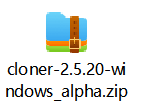
II. Update the driver of the computer USB interface
Open "Device Manager", find the USB interface, and update the driver: the method is as follows (please search according to the actual situation of the computer you are using):
The USB interface when the device is not connected is as follows: ⬇
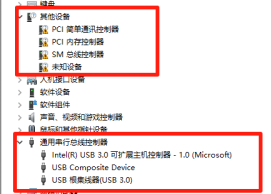
The interface after the device is connected is as follows: ⬇
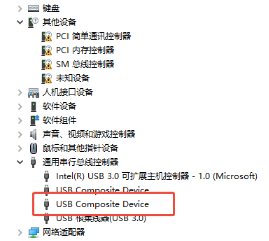
After finding the interface, update the driver
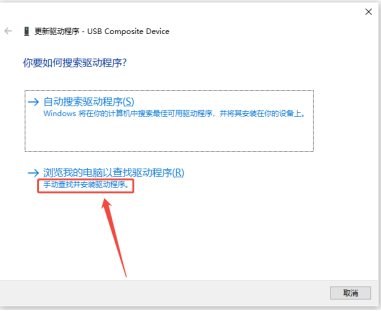
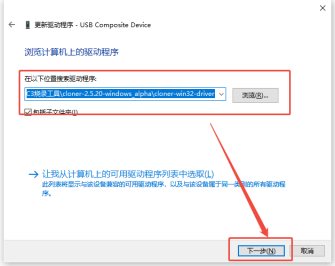
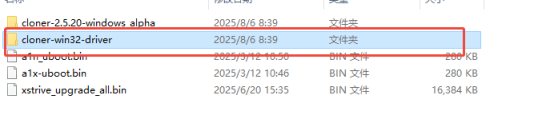
The path of the driver file in the folder is as follows: (it is the entire file inside the red box)
III. Flashing:
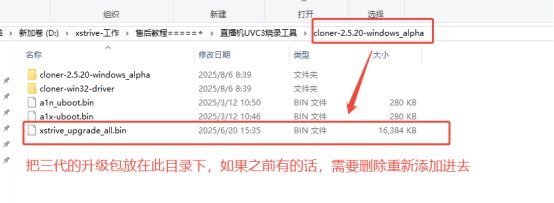
First prepare the upgrade file (put the version you want to upgrade to!!!):
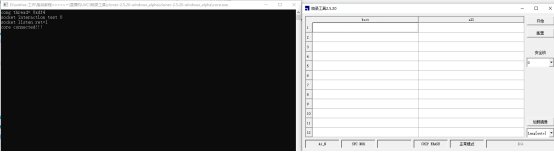
Then open the following tool:

At this time, two pages will be opened at the same time, and both need to be kept
Click Configure. The configuration operations are as follows:
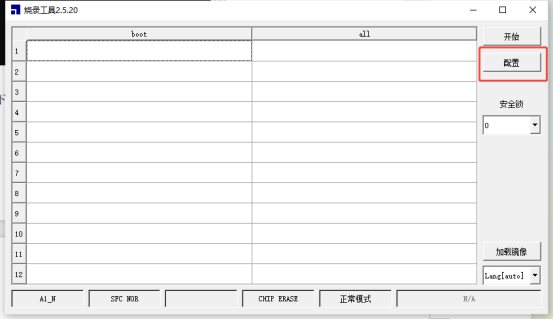
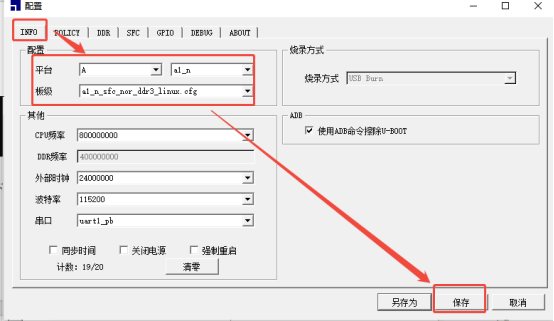
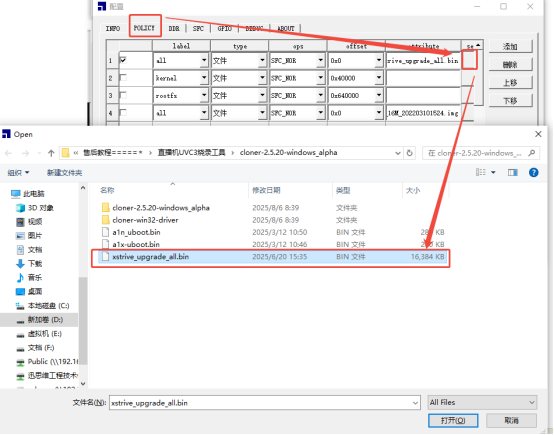
After the configuration is complete, short-circuit the device, do not connect the power supply, click Start, and then connect the power supply
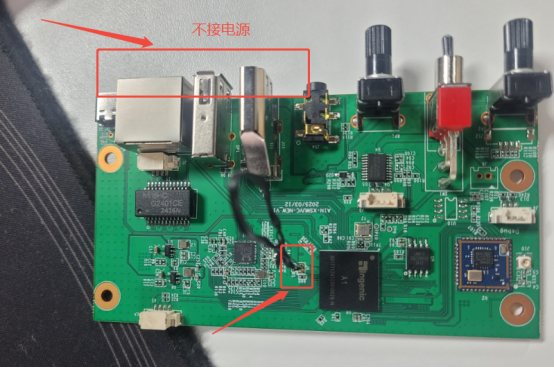
After the following interface appears, you can remove the short-circuit wire and wait
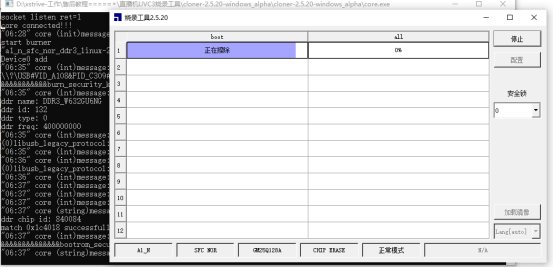
When the following interface appears, click Stop, power off and restart the device
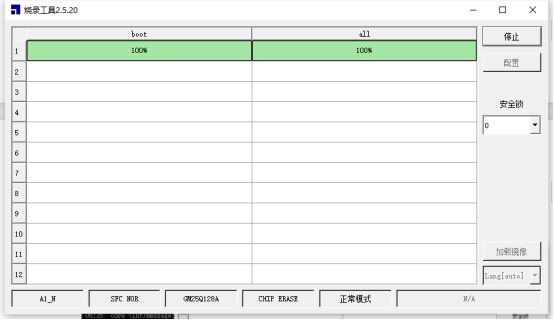
Next, connect the serial cable, check whether the IP and version number are correct, and test