Home / Docs Center / Device User Guides / Unattended LiveAuto-replySoftwareUser Guide
Unattended LiveAuto-replySoftwareUser Guide
Project: Device User Guide | page_id: 1022
Function Introduction:
7*24h automatic product pop-up windows in the live room, intelligent text customer service, automatic comment replies, and scheduled end of broadcast. No need for manual monitoring, improving sales efficiency. Set the scripts with one click, replacing the assistant host, stage controller and operator.
Usage Scenarios:
Merchants or influencers use the live streaming assistant for sales live streaming, game live streaming, scenic area slow live streaming, etc., to increase exposure and interaction.
Supported Platforms:
Taobao, Kuaishou
How to Use:
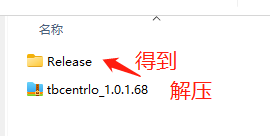
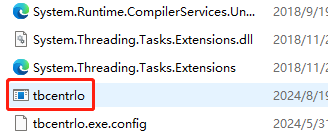
- Unzip the downloaded tbcentrlo compressed package to get the Release folder, open the folder and double-click the tbcentrlo icon to open the live streaming assistant tool
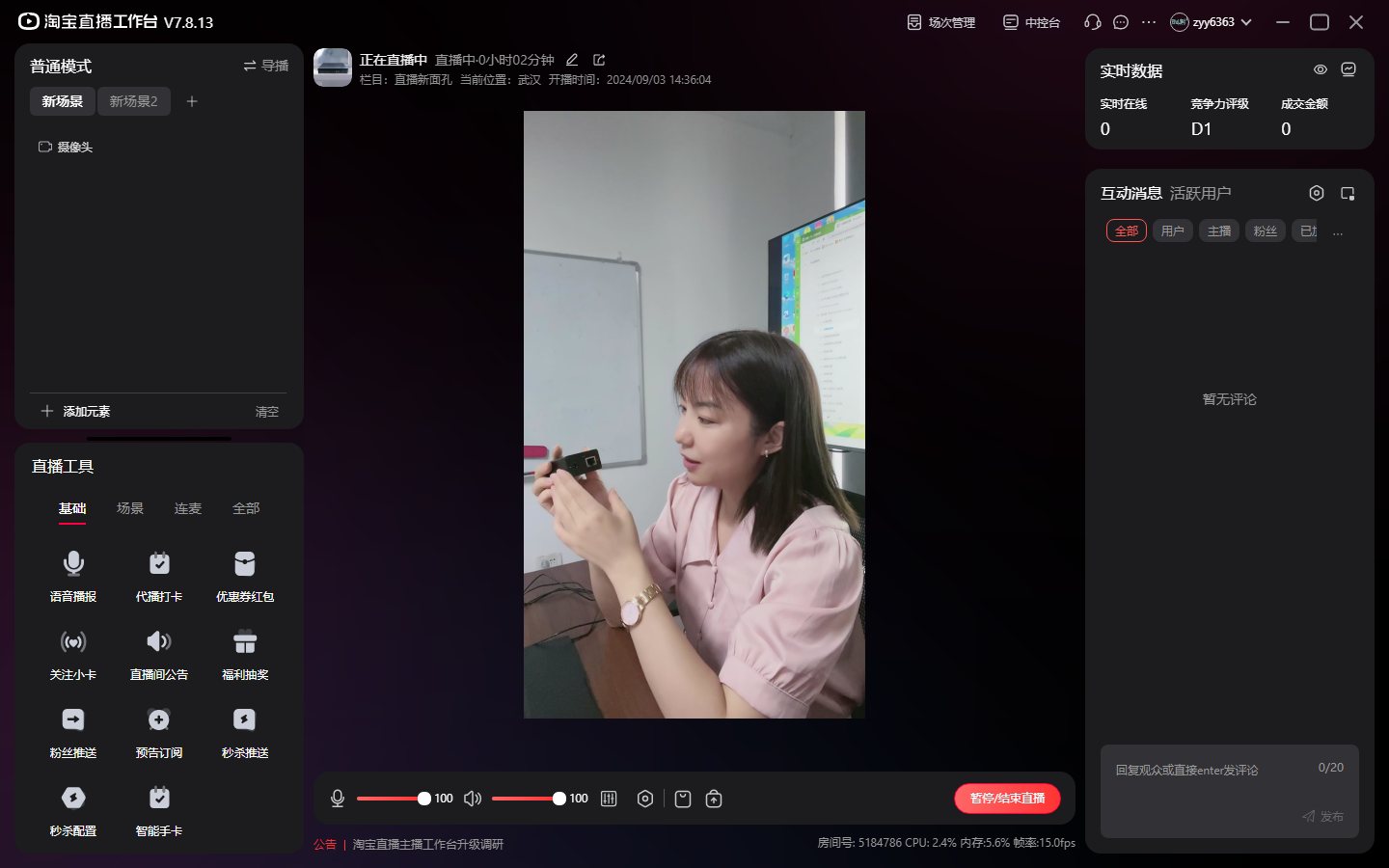
- Create a live room, add products to the product bag, and click Start Streaming
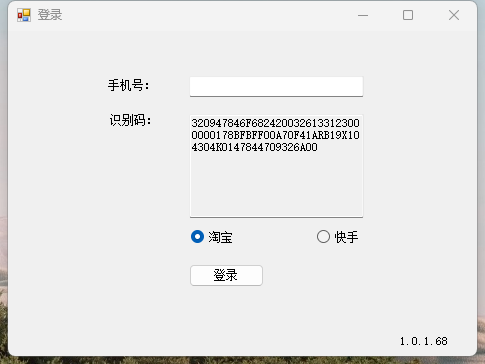
- Log in to the live streaming assistant tool. For the first login, you need to give the identification code and mobile phone number to the XSTRIVE management staff to bind the account (one mobile phone number can only be bound to one computer, and one account cannot be operated by multiple people)
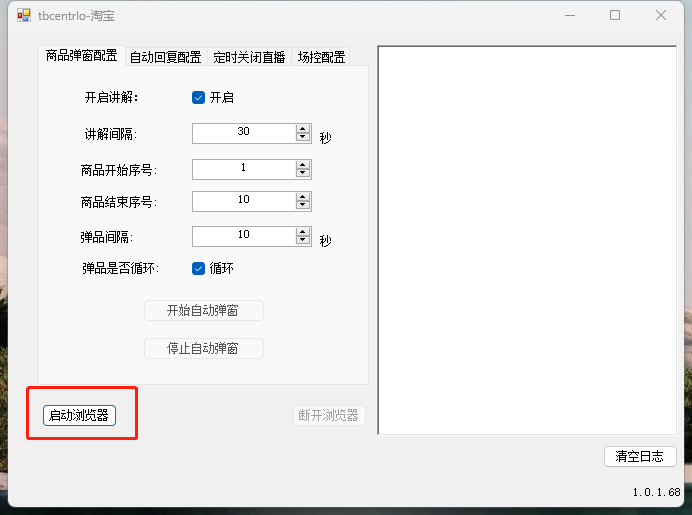
- Click "Launch Browser" in the lower left corner and log in to the web version of the live streaming control console
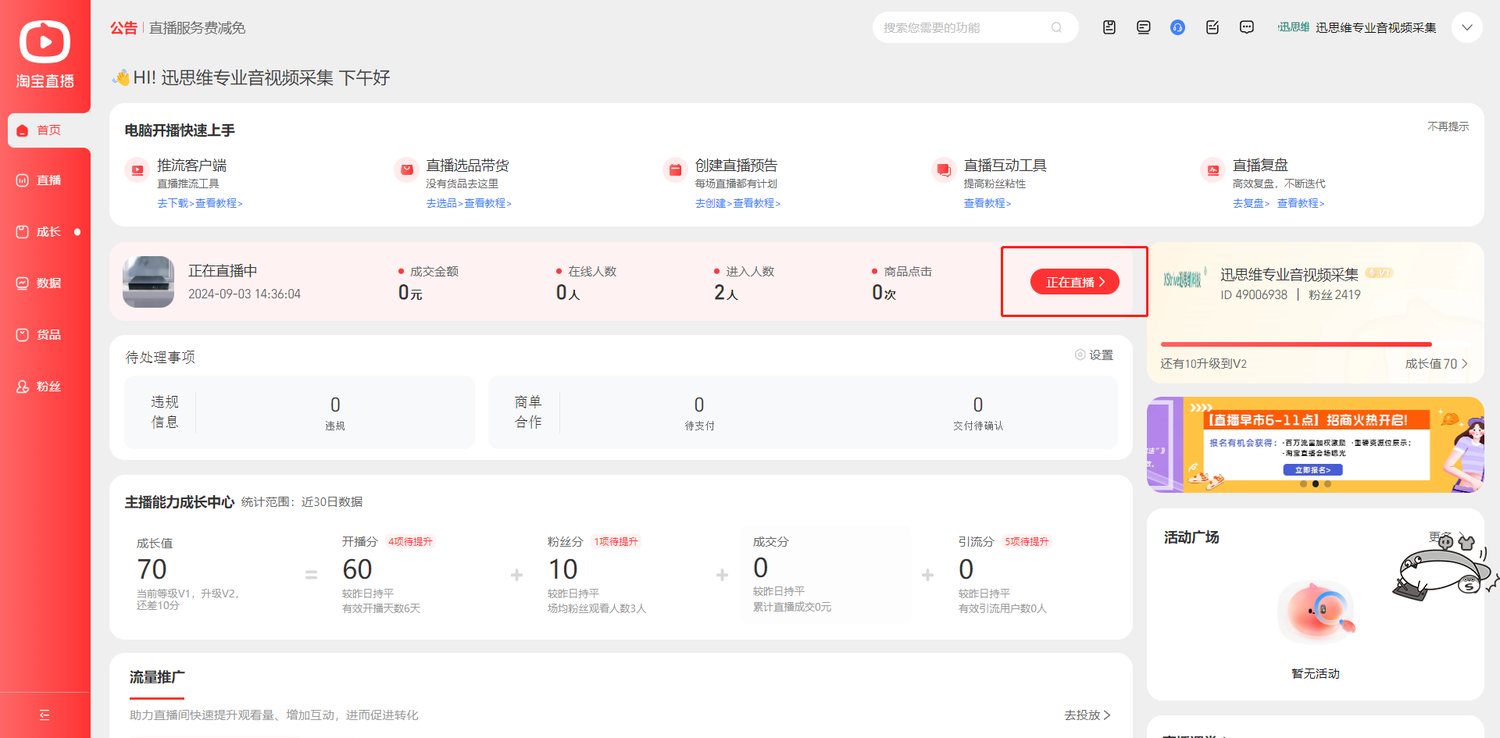
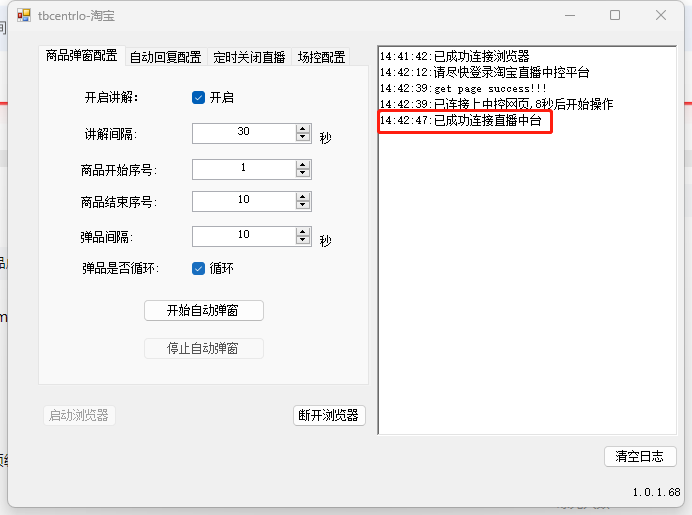
- Click "Live" in the control console to enter the backend. When the auto-reply software displays "Successfully connected to the live streaming console", the connection is successful
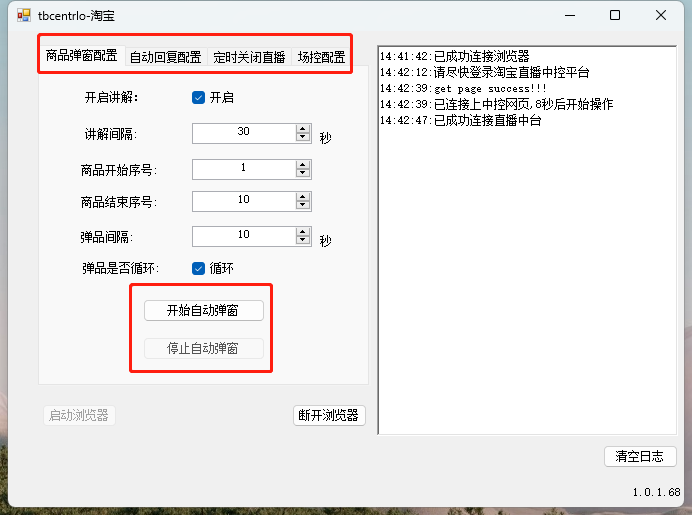
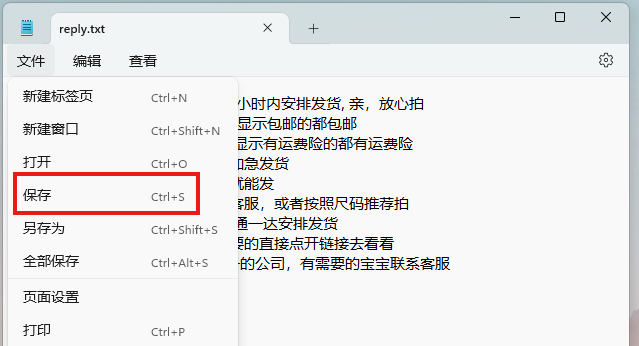
- Click Start or Stop for pop-up window/auto reply/scheduled broadcast end/stage control as needed, adjust the parameter column, click the "Configure" button, add, delete or modify the scripts in the document that pops up, and click Save after editing to apply the changes
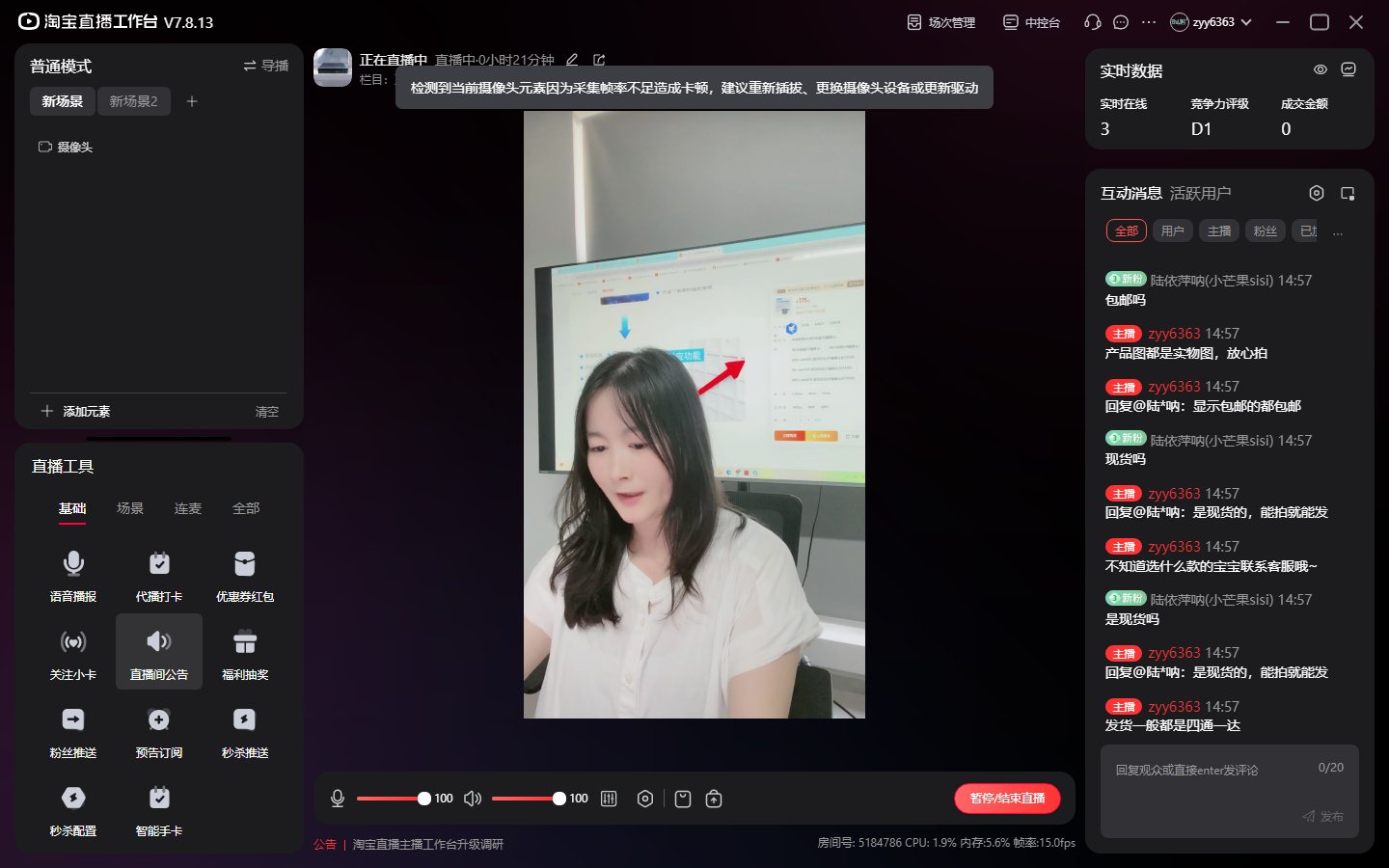
- Send the corresponding pre-set script in the live streaming comment area to trigger the automatic reply
Didn't find what you need?Contact us,Talk to our engineers directly.